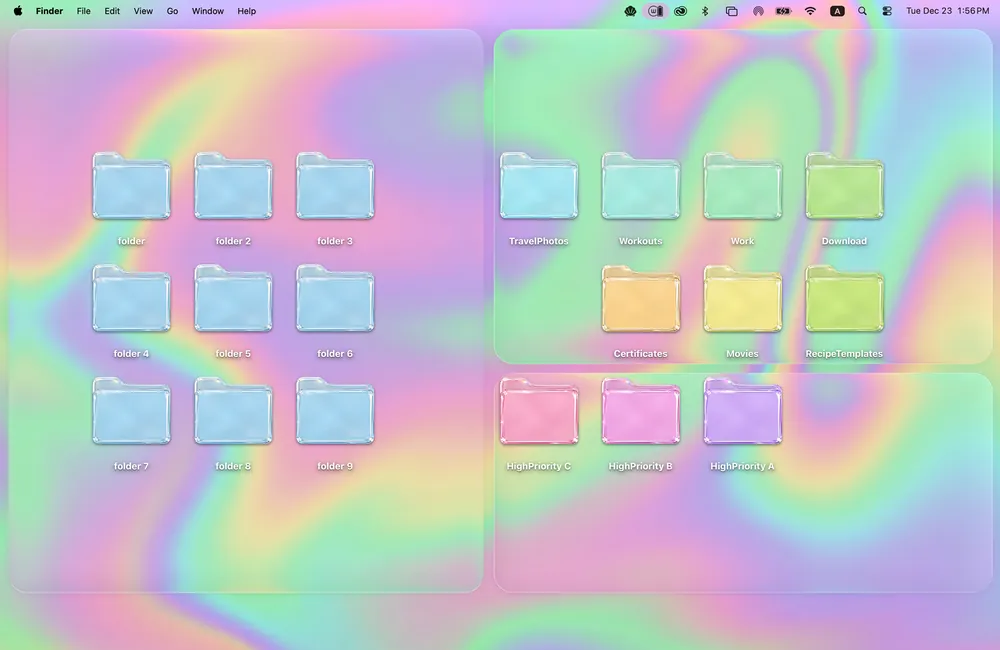
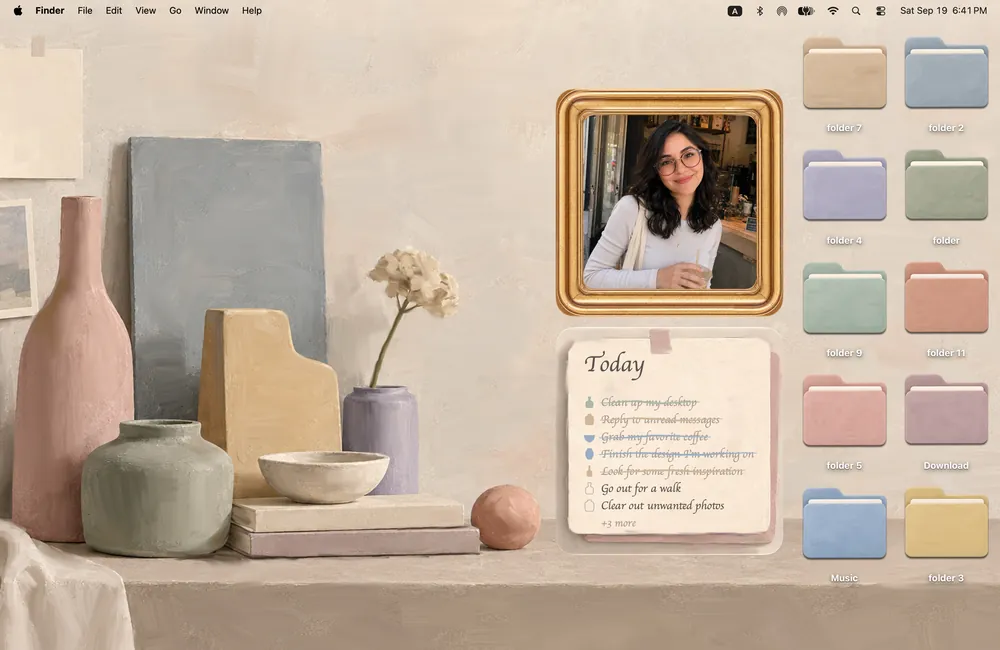
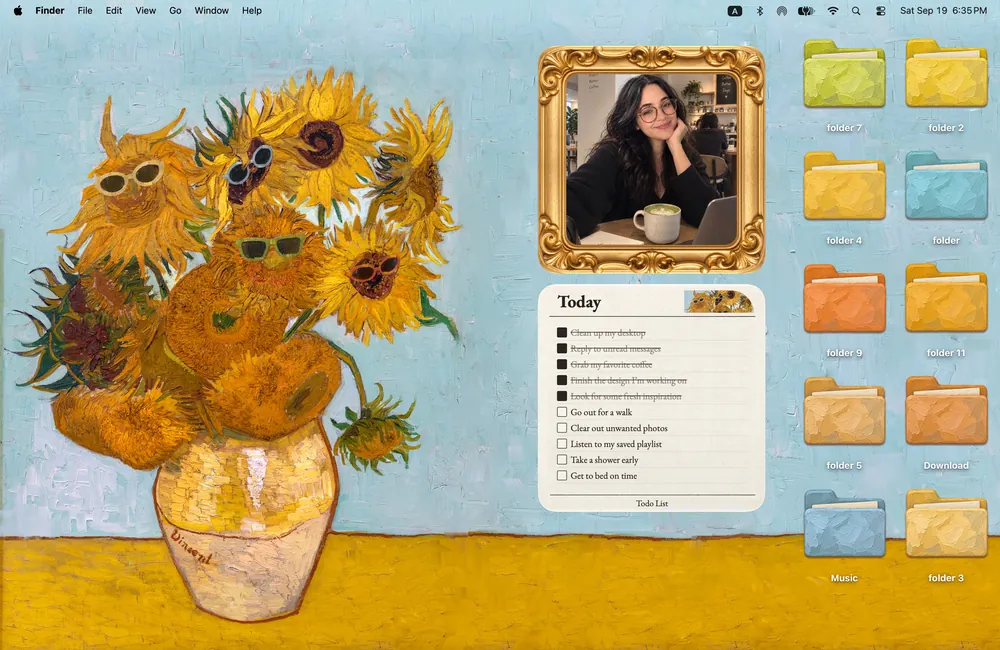
 Cozy
CozyRainbow Felt
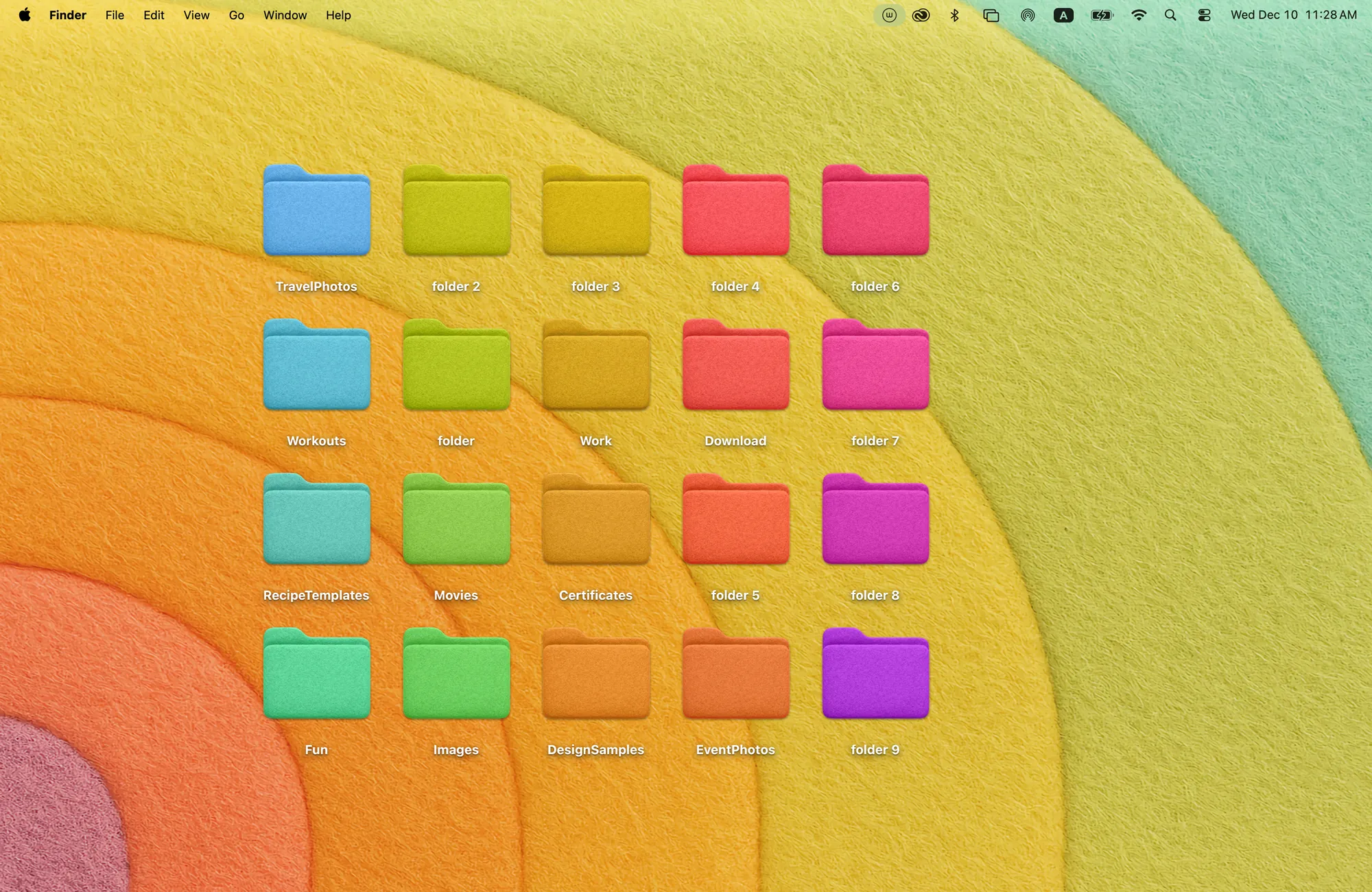
Soft felt in every color of the rainbow. Simple, cheerful folders on a warm, cozy backdrop.
Get Rainbow Felt in Cozy for Mac
20 felt folders in every color. Line them up and your desktop glows like a rainbow.
What's included
- 20 folder icons: Colored Folders 20
- One wallpaper, drawn together with the icons
One space, designed together
Rainbow Felt is the theme everyone can try for free. The wallpaper is a rainbow of soft felt arcs, and the twenty folder icons are cut from the same felt in every color. Line them up in rows and the whole desktop glows like a rainbow; sort projects by color and it becomes a system you can read at a glance. It is simple on purpose, which makes it a good first taste of how a whole desktop feels when every piece matches.
Best for
- Trying Cozy for free before unlocking more themes
- Color-coding folders by project or class
- A cheerful desktop that stays tidy
How to get this look on your MacBook
- Download Cozy from the Mac App Store. It is free to try.
- Open Cozy from the menu bar and pick Rainbow Felt.
- Click Apply. Your desktop wallpaper and folder icons change together, and your MacBook home screen looks like the picture above.
FAQ
Is Rainbow Felt really free?
Yes. Rainbow Felt comes free with Cozy on the Mac App Store, with all 20 felt folder icons and the wallpaper.
Can I use the colors to organize folders?
Yes. Each felt folder has its own color, so many people give each project or class its own color.
Does Rainbow Felt work on MacBook Air, MacBook Pro and MacBook Neo?
Yes. Cozy runs on any Mac with macOS 14 or later and fits each theme to MacBook and iMac screens.
Is Rainbow Felt free?
Rainbow Felt is the free Cozy theme. Download Cozy and it is ready to use.
Can I go back to my old folder icons?
Yes. Folder icons are a standard macOS setting, and you can restore the default icons at any time.
Get the whole look on your Mac
Cozy is free to try with Rainbow Felt. One purchase unlocks every theme, including new ones.
Download Cozy on the Mac App Store