 Cozy
CozySeaside Kitties
Sandy paws and salty breeze. Plush kittens lounge by the shore in purrfect paradise.
Get Seaside Kitties in Cozy for Mac
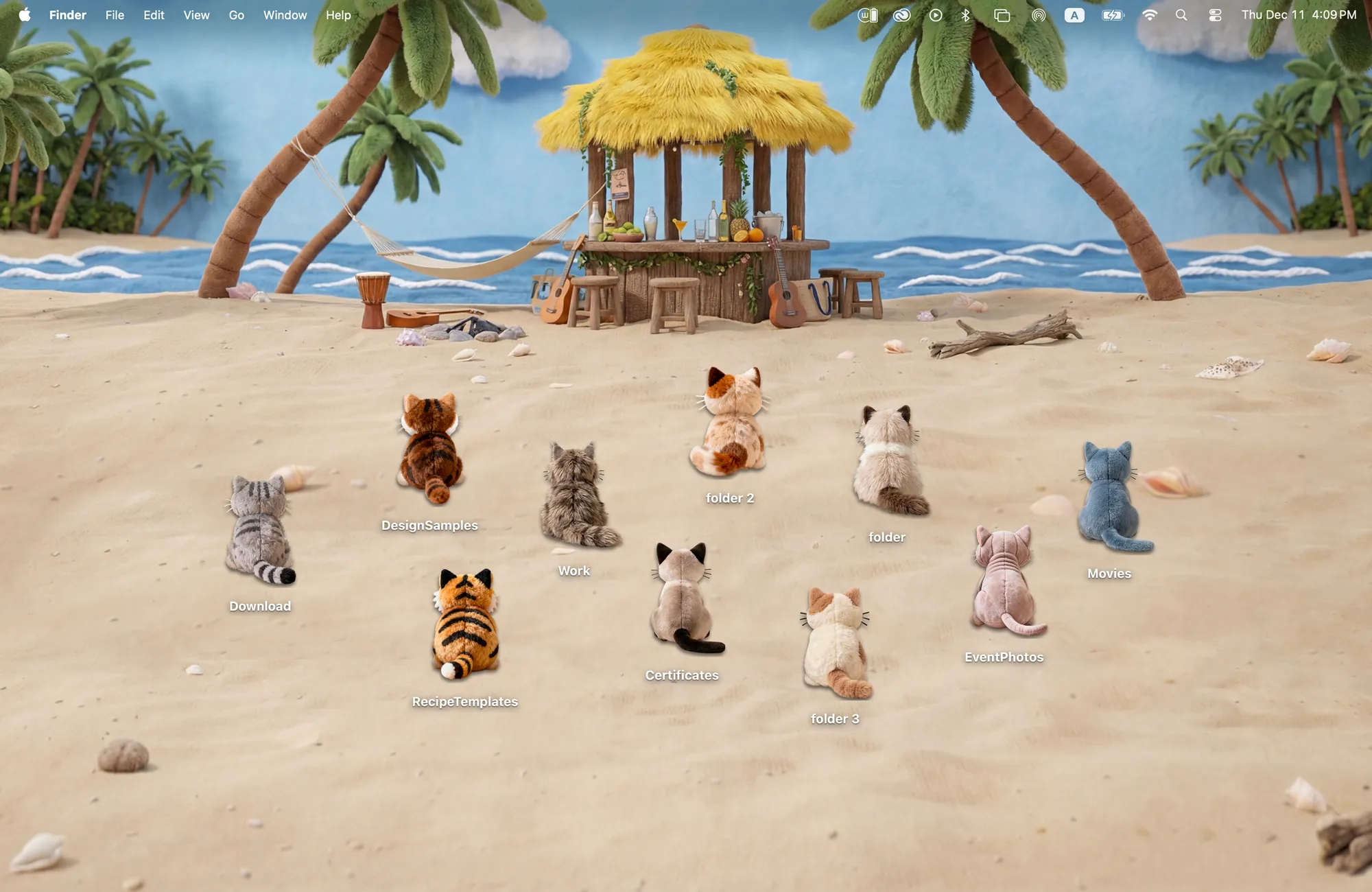
Ten kitten friends watching the waves on a seaside holiday.
What's included
- 10 folder icons: Kittens 10
- One wallpaper, drawn together with the icons
One space, designed together
Seaside Kitties is a summer beach with palm trees, a hammock and a little tiki bar. The ten folder icons are plush kittens seen from behind, sitting in the sand and watching the waves. Because you only see their backs, they turn the whole desktop toward the sea with you. Move them into a row, a circle or a lazy scatter; the beach was drawn to hold them wherever they sit.
Best for
- Summer vacation mood all year
- Cat lovers who prefer a calm scene
- A light, sandy desktop that is easy on the eyes
How to get this look on your MacBook
- Download Cozy from the Mac App Store. It is free to try.
- Open Cozy from the menu bar and pick Seaside Kitties.
- Click Apply. Your desktop wallpaper and folder icons change together, and your MacBook home screen looks like the picture above.
FAQ
How many kittens are in Seaside Kitties?
Ten plush kitten folder icons.
Is there another cat theme?
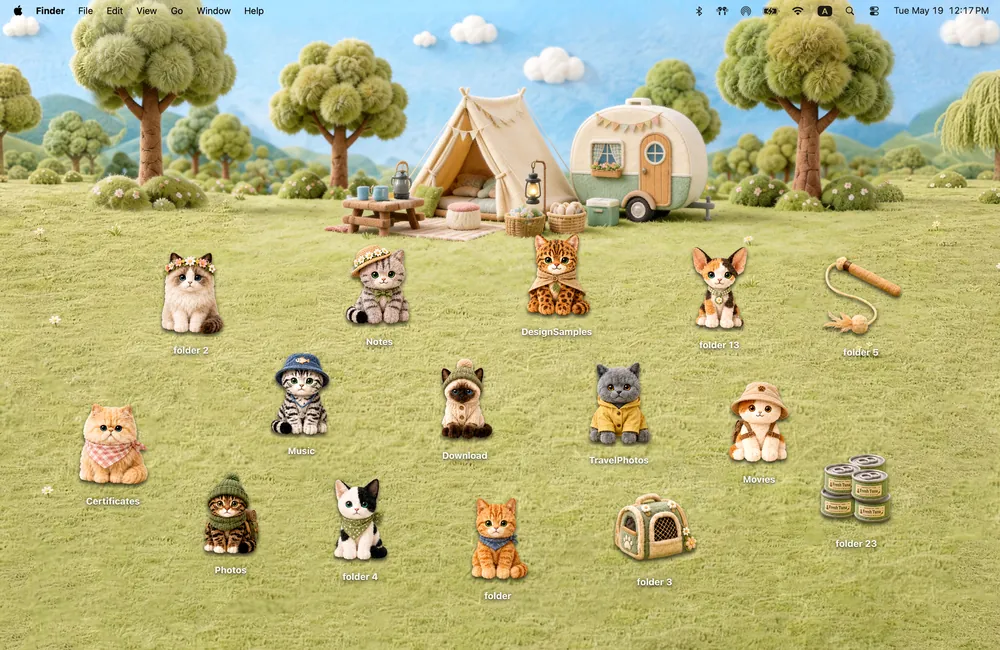
Yes. Camp Kitties has twelve adventure cats at a felt campsite.
Does Seaside Kitties work on MacBook Air, MacBook Pro and MacBook Neo?
Yes. Cozy runs on any Mac with macOS 14 or later and fits each theme to MacBook and iMac screens.
Is Seaside Kitties free?
Cozy is free to download with one free theme, Rainbow Felt. Seaside Kitties is included in the one-time unlock, along with every other theme and future ones.
Can I go back to my old folder icons?
Yes. Folder icons are a standard macOS setting, and you can restore the default icons at any time.
Get the whole look on your Mac
Cozy is free to try with Rainbow Felt. One purchase unlocks every theme, including new ones.
Download Cozy on the Mac App Store